n8n vs Make: which one fits as you grow
Your first automations work, and now the workflows get longer, branch more and start to use AI. n8n vs Make is a choice between a cloud run for you and a setup you control.
On this page
n8n vs Make side by side
n8n or Make: both draw your workflow on a canvas. The difference is who runs it, how usage is counted and how much code you can add.
| What you compare | n8n | Make |
|---|---|---|
| How you build | A visual canvas, with code in any step | A visual canvas, no code for most flows |
| How it charges | Per workflow run, however many steps it has | Credits, one for most steps that run |
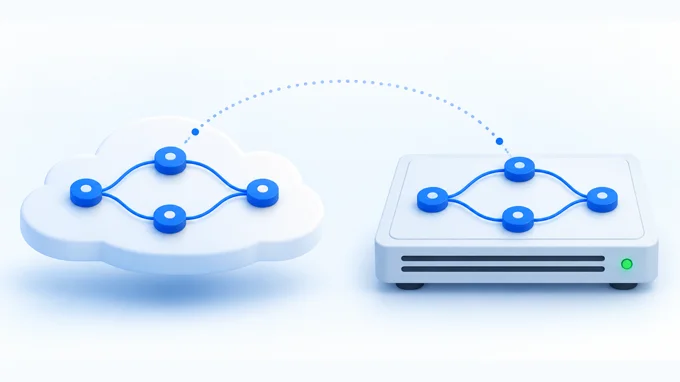
| Where it runs | n8n's cloud or your own server | Make's cloud |
| Free start | Free on your own server. Cloud plans start with a free trial | A free plan with a small monthly credit allowance |
| App library | Built in apps, plus any tool with an API | A large app library, plus any tool with an API |
| AI agents | Built in | Built in, plus a library of ready made agents |
Where Make wins: a managed canvas
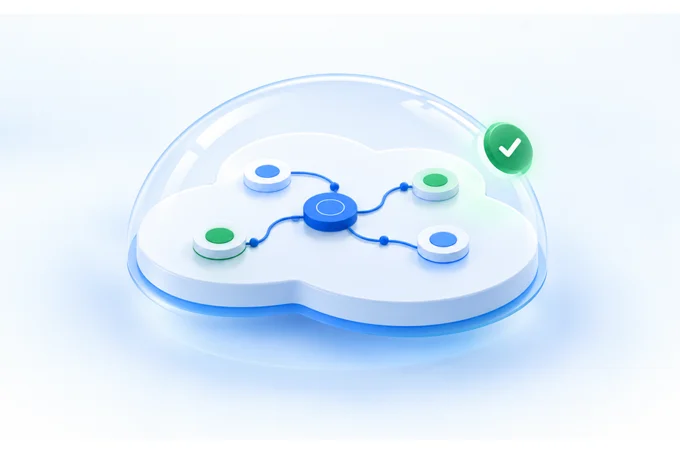
Nothing to run yourself. Make hosts every scenario, its word for a workflow. Updates and uptime are Make's job.
Ready made agents to start from. Make's agent library groups prebuilt AI agents by business function, each with its tools and instructions.
Reach inside your network when you need it. On Enterprise plans, an on premise agent lets cloud scenarios reach apps and databases on your local network.
Where n8n wins: control
Your data stays where your rules say. Run n8n on your own server, on premises or in a private cloud.
Code where you need it. A developer can write JavaScript in any step and build custom connections.
The whole team is included. Every n8n plan includes unlimited users and unlimited workflows.
Pick by your team and your rules
-
No developer, complex flows
Make. The canvas handles branches without code.
-
A developer on the team
n8n. Code in any step and no limit on users.
-
Data must stay on your servers
n8n on your own server. Make runs in its own cloud.
Weighing a move from one to the other? Book a call and see what the move would take.
Make vs n8n on cost as workflows grow
Make grows with every step. Most steps use one credit each time they run, and AI steps can use more. Credits beyond your plan cost extra.
n8n grows with every run. A run counts once on n8n's cloud, whatever its length. Long, busy workflows count fewer units on n8n.
One loop, counted both ways. A daily sync pulls the new records from one tool and runs 3 steps on each. It runs 30 times a month.
| At this volume | n8n cloud | Make |
|---|---|---|
| 50 records a day | 30 executions a month | 4,530 credits a month (151 a run) |
| 200 records a day | 30 executions a month | 18,030 credits a month (601 a run) |
| Plan it fits, 2026 | Starter, 2,500 executions a month at €20 a month billed yearly | 4,530 credits: Core, 10,000 credits at $9 a month billed monthly. 18,030 credits: above Core's 10,000, so it needs a larger Make plan |
Prices from n8n pricing and Make pricing (vendor pricing page, 2026). On n8n the loop counts once per run, whatever the record count. On Make every step inside the loop counts each time.
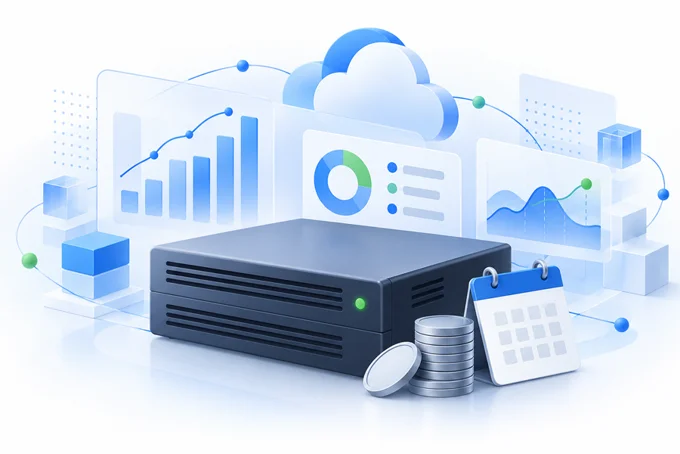
A server is not free. n8n on your own server is free to license. You pay for the hosting and the hours to keep it updated and backed up.
What to look out for with each
Make: credit use you did not plan for. A scenario that loops over many records uses credits at every step, every time. Watch usage in the first month.
n8n: a server nobody watches. Without a technical person on it, choose n8n's cloud or Make.
n8n vs Make vs Zapier: where each one fits
Zapier for straight handoffs, Make for branching flows, n8n for control and long workflows. Most teams start on one and move when the work outgrows it.
Run both until they match. The old and the new workflow run side by side on real work. When the outputs match, the old one is switched off.
We build on all three. The pick follows your work, not the tool. See our business automation services, or start with the free automation assessment. It maps your recurring work and names the first system to build.
Your setup
Find out if your automations belong on your own server.
A free 30 minute call. You leave knowing which setup fits your team and your data rules.
- What you get
- A free automation assessment with your repeated jobs priced and the first system named.
- How it is priced
- The assessment is free. We quote after the first call.
- What you bring
- A list of the jobs your team repeats every week.
Prefer to write? Send us a message.
Questions founders ask about n8n and Make
Is n8n better than Make?
For a team with a developer, or with strict rules on where data lives, often yes. For complex flows without code and without a server to run, Make is the better pick.
Is n8n or Make cheaper?
Make counts most steps each run and n8n counts each full run once. Add hosting and upkeep if you run n8n yourself.
Which is easier to learn, Make or n8n?
Make, for most teams without a developer. Both use a visual canvas, and n8n gets the most out of a builder who can write a little code.
Can Make be self hosted?
No, Make runs in its own cloud. Enterprise customers can add an on premise agent so their scenarios reach systems on the local network.
Which is better for AI agents, n8n or Make?
Both build AI agents into workflows. Make offers a library of ready made agents to start from, and n8n gives a developer more control over each step the agent takes.