Business automation services for B2B founders
Business automation services for B2B and service companies: recurring manual work turned into systems that run without you. Every system is priced against the hours it takes off your team.
The call starts the free automation assessment. About a week later you see what each repeated job costs you and which system to build first.
- 194 systems live
- 2 second triggers
- 1 owner, 0 office staff
On this page
What is business automation?
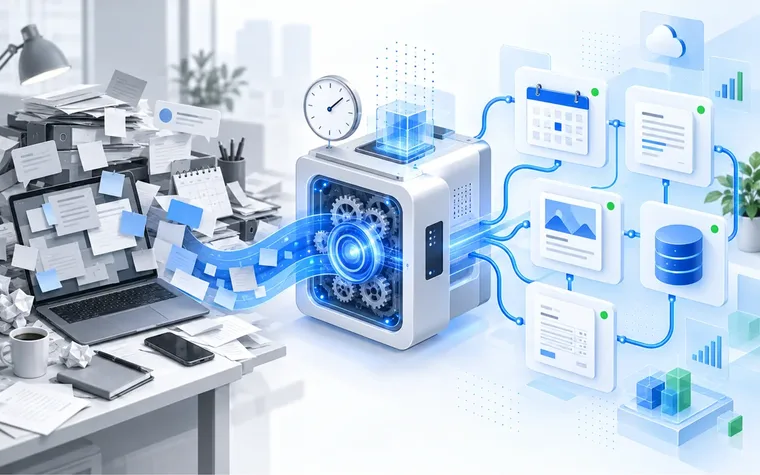
Business automation is the work of turning recurring manual tasks in your company into systems that run without you.
Software runs the steps and AI handles the judgment calls. A system watches for an event, does the steps and records the result. AI sorts the inquiry and drafts the reply.
Every task still runs through one person. Most founder run companies arrive here the same way: the business grew and the tasks piled up.
- A business that runs the same way whether you are in the room or not
- Proven on 194 systems running one company today
- First system live in 4 to 6 weeks
- You bring the task list, we map, build and document
Built for companies where the same manual tasks come back every week. Systems take them over before you need to hire for them.
Build it yourself, or hire a service?
When should you build it yourself?
When you have the technical skill and the hours, building your own flows gives you full control at the lowest cash cost. The price is your time, and the risk is a pile of flows nobody documented and nobody else can run.
When do you bring in a service?
When several tools have to agree, the data matters, or the manual hours cost more than a build. You get custom systems without hiring for the skill, and everything is documented, with procedures your team can run.
When is a connector like Zapier or n8n enough?
When the job is one simple connection between two tools, a connector platform is the right buy and cheap to start. You rent it on their pricing. Bigger workflows need someone to build and maintain them. We build in whichever tool fits your requirements, and the guides below compare them.
What business processes can be automated?
Almost any task that repeats the same way can be automated. These are the ones founder run companies hand over most, and every card here is a system we build.
Customer facing
-
Booking system automation
Bookings, reminders and calendar sync run themselves, day and night.
-
Live team and availability pages
A staff change starts publishing itself within about 2 seconds.
-
Review reply automation
Every Google review gets a drafted reply waiting for your approval.
-
Content and social autopilot
We draft, screen and schedule the posts every week.
-
Lead follow up automation
New inquiries get an answer in minutes instead of days.
-
Price and service updates
Change a price once and every page carries it by morning.
Behind the scenes
-
A website that updates itself
Pages read from your database, so no developer edits text.
-
Page growth and indexing automation
New services and locations build their own pages and reach Google.
-
Invoice and billing automation
Invoices, receipts and payment reminders go out on schedule.
-
Secure business backend
A documented schema, role locked access and tested backups.
-
Business runbook system
We write every recurring job down so someone else can run it.
-
Staff onboarding and offboarding
One status change publishes a new hire everywhere, or retires them.
AI
-
AI drafted replies
Replies drafted in your tone. You approve before anything sends.
-
AI lead qualification
Inquiries scored and routed before you read them.
-
AI document extraction
We pull data out of invoices and forms into your systems.
-
AI content drafts
Pages and posts drafted from your own data and voice.
-
AI chat answering
We answer, book and log site chat around the clock.
-
AI image screening
Photos checked for faces, text and policy risk before anything posts.
The ones already built for a client have their own list. See our business automation systems, grouped by department.
Not sure which one pays for itself first? The free automation assessment maps your work and names it.
What you get with business automation services
Four things ship with every build.
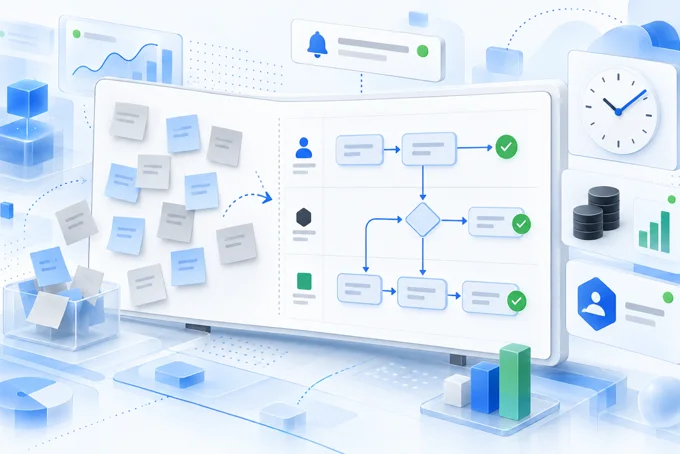
Process audit and map
We watch how the work happens now, then draw it: every step, who touches it, what it costs per month.
The build, documented
The schema, the code and every step get written down, then walked through with you on a call.
Monitoring and alerts
Automation that fails silently is worse than none. Every system gets a health check, and when something fails, a person hears about it first.
Runbooks a new hire or a VA can follow
Each recurring job becomes a procedure someone can run cold. That is what makes the work delegable.
The first 90 days
We build nothing before we know what it replaces.
-
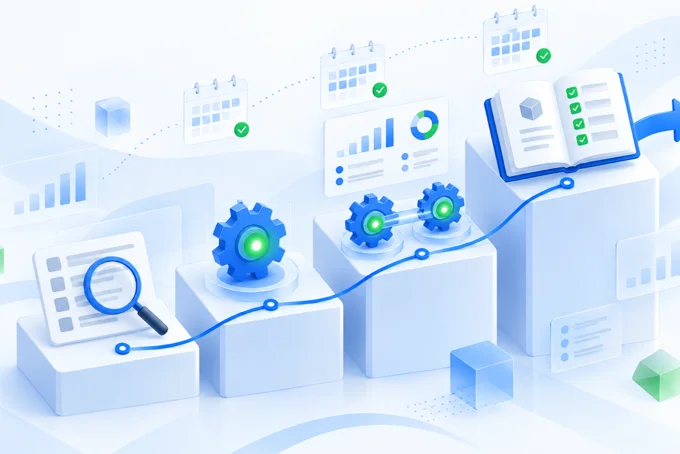
Weeks one to two: access, walkthrough and plan
We work inside your tools with the access you give and sit with the team that does the job. You approve the plan, and every step is tested before anything goes live. -
Weeks three to six: first system live
We build the one with the worst hours to effort ratio, with monitoring wired from day one. -
Weeks seven to ten: expand and connect
The second system goes in and joins the first, so a change in one place reaches everywhere. -
Weeks eleven to thirteen: documentation and walkthrough
Written procedures, a documented schema and a walkthrough with whoever runs it after us.
Bring your task list to a call. About a week later the walkthrough names the system that pays for itself first.
Your first system can be live in 4 to 6 weeks.
How much do business automation services cost?
Business automation is priced three ways. The price follows how many tools have to talk to each other.
Per project build
What you getA defined scope, a fixed number, a finished and documented system. The price grows with the number of systems that must connect.
The catchA build with no care plan drifts the moment a platform changes an API.
Monthly care plan
What you getMonitoring, fixes, platform changes absorbed, small additions over time. Priced by the size of the stack under care.
The catchA care plan you cannot see working is hard to judge. Ask for a monthly report of what was checked and fixed.
Hourly consulting
What you getSenior judgment on what to build, what to buy and what to leave manual. Used for architecture review, tool selection or unpicking somebody else's build.
The catchAdvice without implementation ends as a document. Somebody still does the work.
Judge any of these against the manual hours the system removes.
What moves our fee
How many tools connect
One form into one CRM, or a chain across the tools your team uses.
How many jobs you automate
One system first, or several jobs mapped and built in order.
Care after launch
A finished build on its own, or a monthly care plan that watches and fixes it.
Our fee is quoted after the free automation assessment. The assessment shows which of these your work needs. See what the free assessment covers.
4 signs to check when you hire for automation
They decide whether you have a system in a year or a dependency.
Sign 1
Platform lock in you cannot leave
Your data and history sit inside their subscription, so cancelling means starting over.
What we do instead
We build on standard tools, and every system is documented.
Sign 2
Nothing is documented
The build works, nobody can explain it, and the next person rebuilds from scratch.
What we do instead
Every build ships with a documented schema, a written procedure and a walkthrough.
Sign 3
No monitoring, so it fails quietly
Weeks pass before a customer complaint reveals it.
What we do instead
Health checks on every system and an alert to a person when something stops.
Sign 4
No runbook, so you still depend on them
The work leaves your desk but the knowledge never enters your company.
What we do instead
Runbooks written to run cold, so your team can operate every system without calling us.
What the systems produce
One services business, one owner, no office staff. This is what the systems do for it every day.
Fully automated operations
One owner runs a multi location services business on 194 systems and no office staff
A national multi location brand with 84 service contractors. Every recurring job, from a new hire to the monthly reports, runs as a system.
194
systems live
0
office staff, one owner
2s
before a change starts publishing itself
0
data lost across every change shipped live
17
automatic checks before any change goes live
Systems and architecture cost: $0.
- A new hire fills in their profile and their page is on Google. Nobody touches it.
- Mark someone as left and every page that mentioned them updates that night.
- A broken change is stopped before a customer sees it.
Anonymized under NDA. The numbers are real.
Demand two things from anyone who automates your business:
- A map of your work.
- Systems that keep running.

Want the whole build? Read the business automation case study
Articles on automation tools for founder run companies
Next step
Count the hours before you buy anything.
A 30 minute call, then about a week to map your recurring work. A walkthrough names the first system to build. Free, whether you hire us or not.
Prefer to write? Send us a message.
Business automation questions founders ask
Will business process automation replace our tools, or work with them?
It works with them. Business process automation is software running a repeating sequence in your company, like onboarding a hire or publishing a page, inside the tools you already pay for, and recording the outcome whether or not you are there.
How long does it take to automate a business?
The first system is usually live within 4 to 6 weeks, and a connected set takes about 90 days. The audit comes first: a build that starts before you understand the process locks in a bad habit.
What do we get back, beyond the saved hours?
The business stops depending on your memory. Tasks run the same way every time and can be handed to a new hire.
Is my business too small for automation?
No, if the same task repeats daily and you have revenue coming in. One owner with no office staff can run a whole operation on systems, as the case study on this page shows.
What happens when something breaks?
An alert reaches a person before a customer notices, and the fix then goes into the runbook. Every system gets health checks, and the deploy pipeline blocks a bad change before it goes live.